Bring the sofa, rug and room palette into one picture
A living room can contain furniture you like individually but still feel unresolved as a whole. A photo-based concept helps you consider the sofa, rug, walls and smaller accents together, with the room itself as the starting point.
Select living room and choose a design style and lighting. Add the visual priority you want to explore, such as a deeper sofa color against lighter walls, or warmer timber with softer textiles.
The result explores the room's appearance. It does not measure walking space, check whether furniture fits or provide a shopping list. Check each altered object against the photo before taking the idea further.
Choose what leads the palette
A sofa is a useful starting point because it occupies a large area of the view. Build a wall and rug direction around its color, or ask to explore a different sofa appearance before changing smaller accents.
Open the composer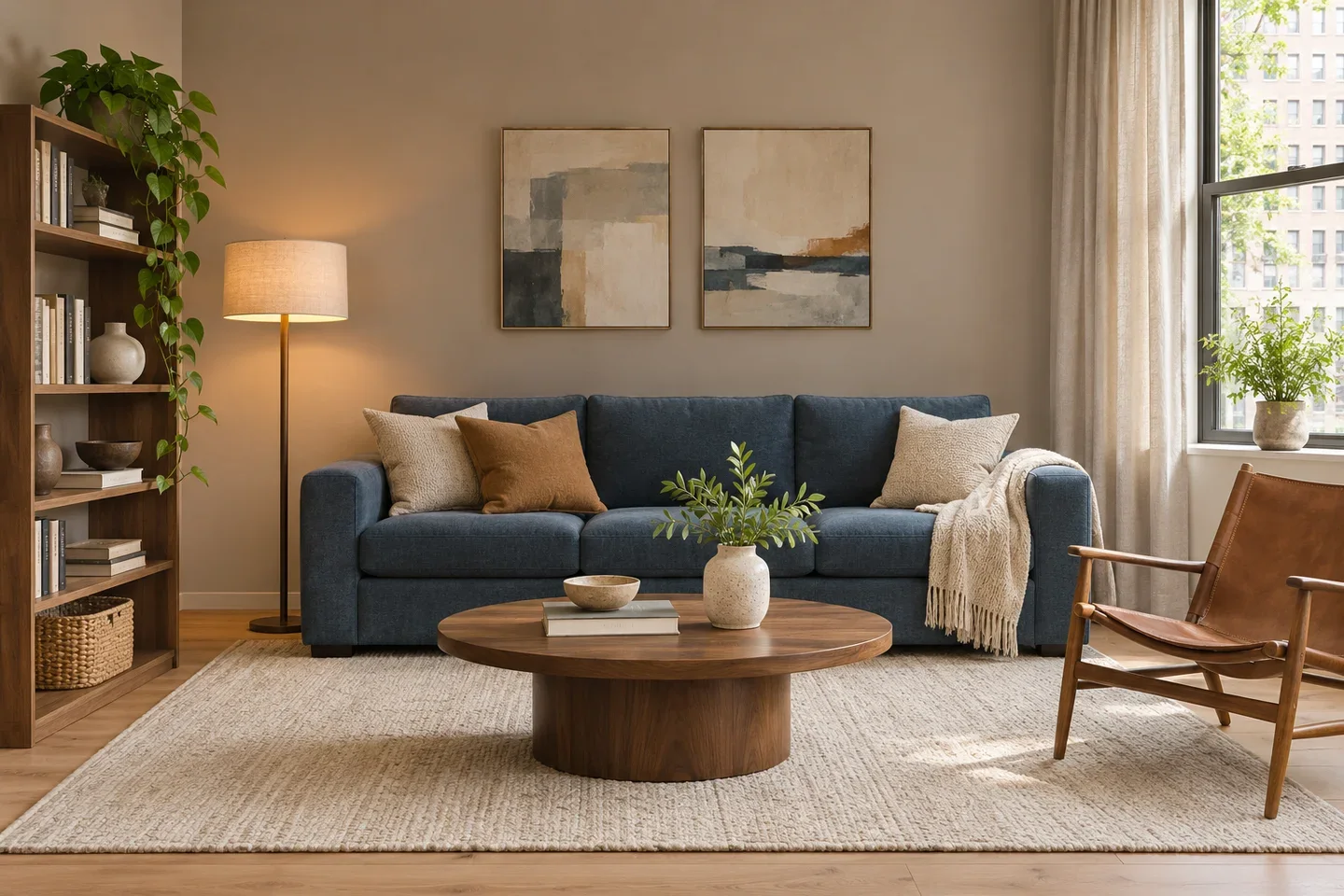
Let the rug connect the seating
A rug can visually pull a sofa, chair and coffee table into one group. Use the concept to compare texture and color; measure the real furniture and floor area before choosing a rug size.
Open the composer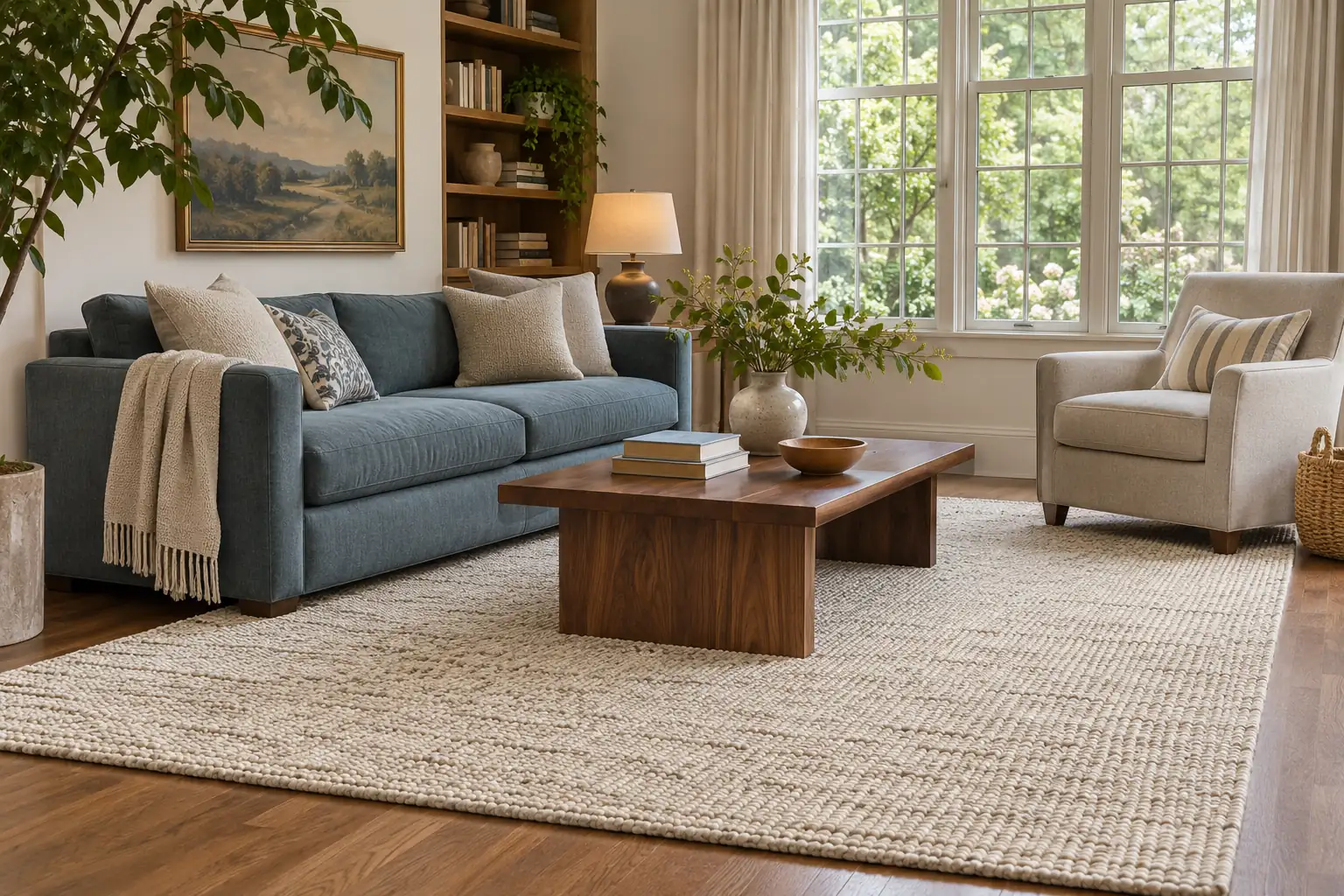
Balance daylight and accent light
A bright window, a floor lamp and darker corners contribute different parts of the room's mood. Describe the atmosphere you want and review whether the lighting interpretation supports the palette.
Open the composer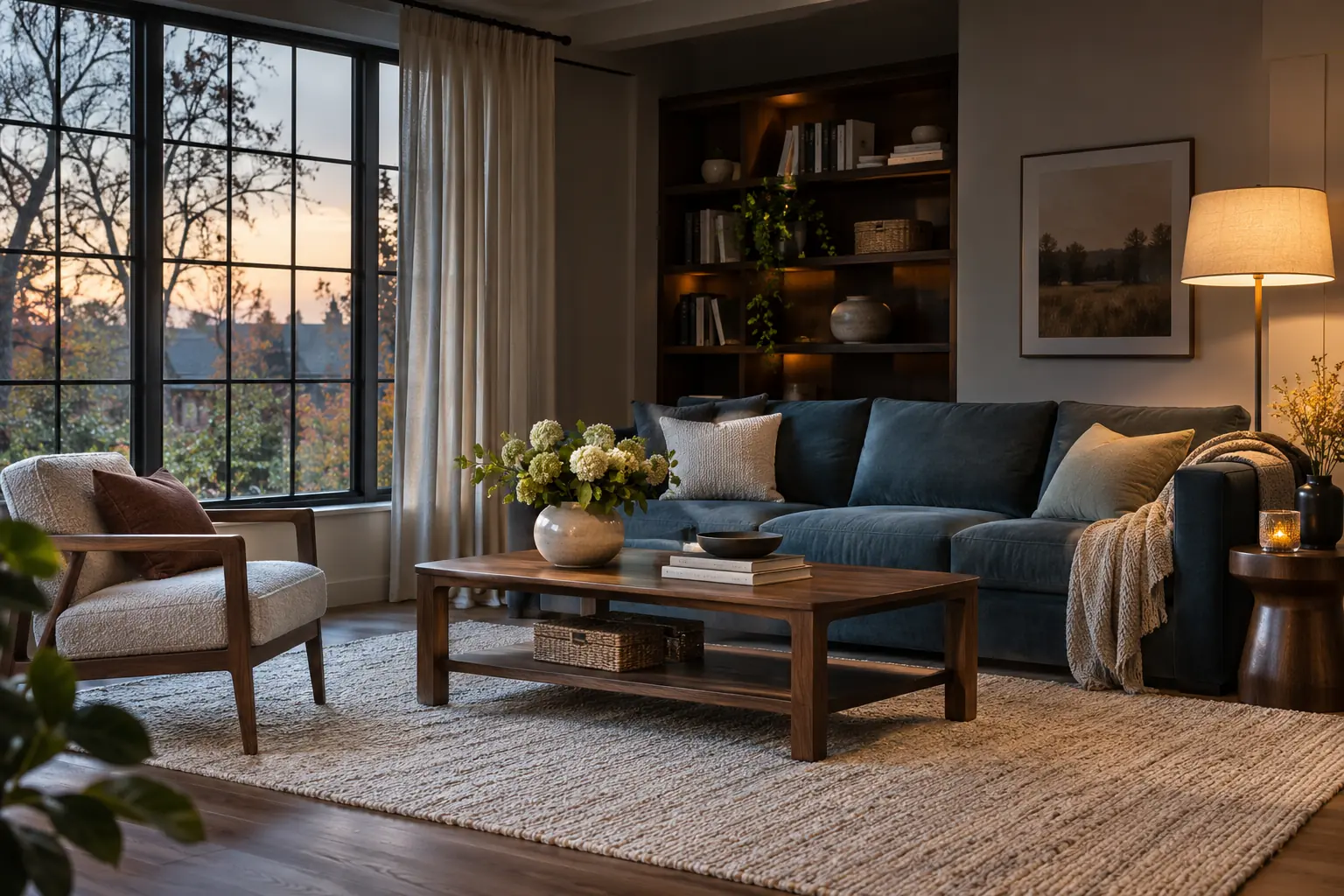
A living room brief beyond a style label
Make the request about the surfaces and furnishings you notice every day.
Furniture appearance in context
Explore how a sofa color or timber finish relates to the wall, floor and rug shown in your photo.
A preference for key belongings
Mention the chair, bookshelf or other piece you would prefer to keep. Inspect its generated appearance because preservation is not exact.
A comparison you can discuss
Use the original and the concept to identify the color and texture changes worth investigating, rather than treating every new object as a recommendation.
How to explore your living room's next look
Show the main seating area and choose one visual relationship to improve.
From seating area to coherent palette
- 01
Photograph the main seating area
Include the sofa, nearby furniture and a useful part of the floor and walls. A corner view can show more context than a close-up of one item.
- 02
Set the visual priority
Select living room, then choose a style and lighting. Add your preferred sofa, wall or rug direction and name any furnishings you would like to retain.
- 03
Review the available generation settings
Choose a model, ratio and supported quantity. Check the displayed credit cost before starting the request.
- 04
Compare the room as a whole
Review the relationship between the seating, rug, wall and light. Check any changed doors, windows or furniture dimensions against the actual room.
A blue-sofa palette with warmer surrounding materials
In the illustration, a muted blue sofa is balanced by a cream rug, warm timber and a lighter wall. The composition explores how a stronger upholstery color can sit within a quieter room palette.
If you already own a sofa you like, use it as the anchor in your instructions. Ask for surrounding colors and textures that work with its appearance, then examine whether the generated image has interpreted that preference faithfully.
In the pictured living room, the cream rug and pale wall offset the deeper sofa color. Describe the balance you want around your own main seating piece, then compare the image with the room you have.
AI Living Room Design FAQ
How is this different from a room planner?
This tool creates a visual design concept from a room photo. A room planner is for arranging furniture and evaluating layout. The image here does not measure walking space or check whether furniture fits.
Can I keep my existing sofa and change the rest?
You can describe the sofa as a feature you would prefer to keep and name the surrounding changes. The result may alter its details, so compare the shape, position and color with your original photo.
Should I remove all my belongings before taking the photo?
You do not need an empty room. Show the main seating and surfaces clearly, and move small items that obscure the features you want to discuss. Keep enough context for the room to be understandable.
Can the image help me choose a rug?
It can help you explore a rug's visual role, color and texture within the seating area. It does not determine a purchase-ready size; measure the room and furniture before buying.
Will I receive a list of furniture to buy?
The output is a room concept image, not an itemized shopping list. Any pictured object, material or fixture needs separate sourcing and suitability checks.
Is there an AI tool that can redesign a room without requiring payment?
This page redesigns a photographed living room through credit-based image generation. Review the displayed model price and requested image count before submitting. Use the picture to explore color and furnishings; measure the actual room before deciding what will fit.