Find a bathroom mood through tile, wood and light
In a bathroom, a few surfaces carry most of the atmosphere: the tile, the vanity and the area around the mirror. A photo gives those choices a shared setting, so you can explore whether a warm, light or more contrasting finish direction suits your room.
Choose the bathroom room type, a style and a lighting mood. Add the surfaces you want to change, such as lighter wall tile with a wood-look vanity, and describe any fittings you would prefer to keep in the image.
A bathroom concept is a visual starting point. It does not assess waterproofing, drainage, electrical zones or installation clearances. Check the generated arrangement and take technical decisions to a qualified professional.
Choose the dominant tile direction
Decide whether the main impression should come from pale stone, a warmer tone or a more graphic tile appearance. A single direction is easier to compare than competing wall and floor patterns.
Open the composer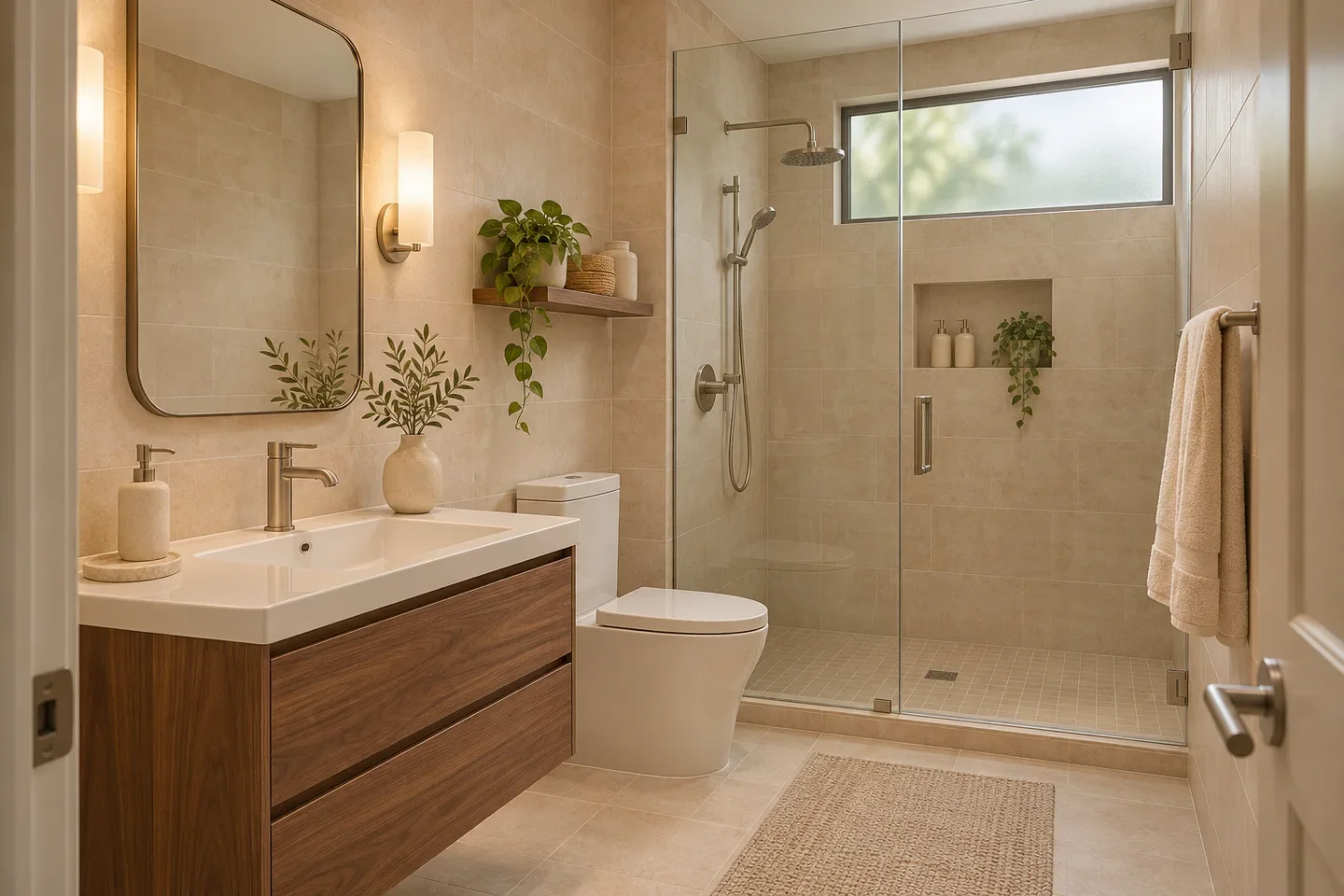
Use the vanity to balance the room
A timber vanity can add warmth to a pale tiled setting, while a painted finish can reinforce a color palette. Describe the effect you want; the illustration will not specify a moisture-rated product or cabinet measurement.
Open the composer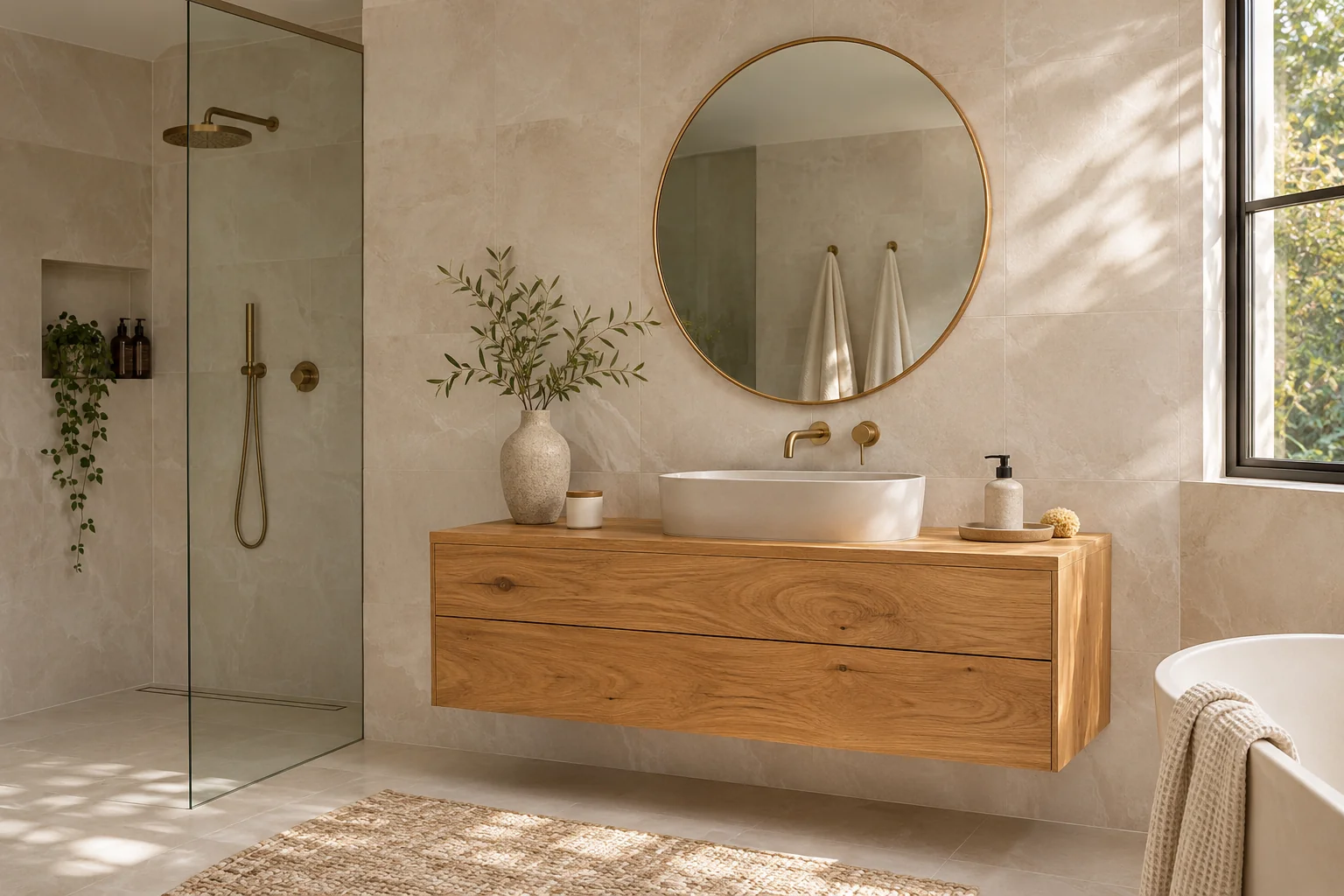
Explore mirror light and room light together
Light around a mirror and light across the room create different visual effects. Use the lighting choice and optional notes to describe the atmosphere, then inspect reflections and fixture details in the result.
Open the composer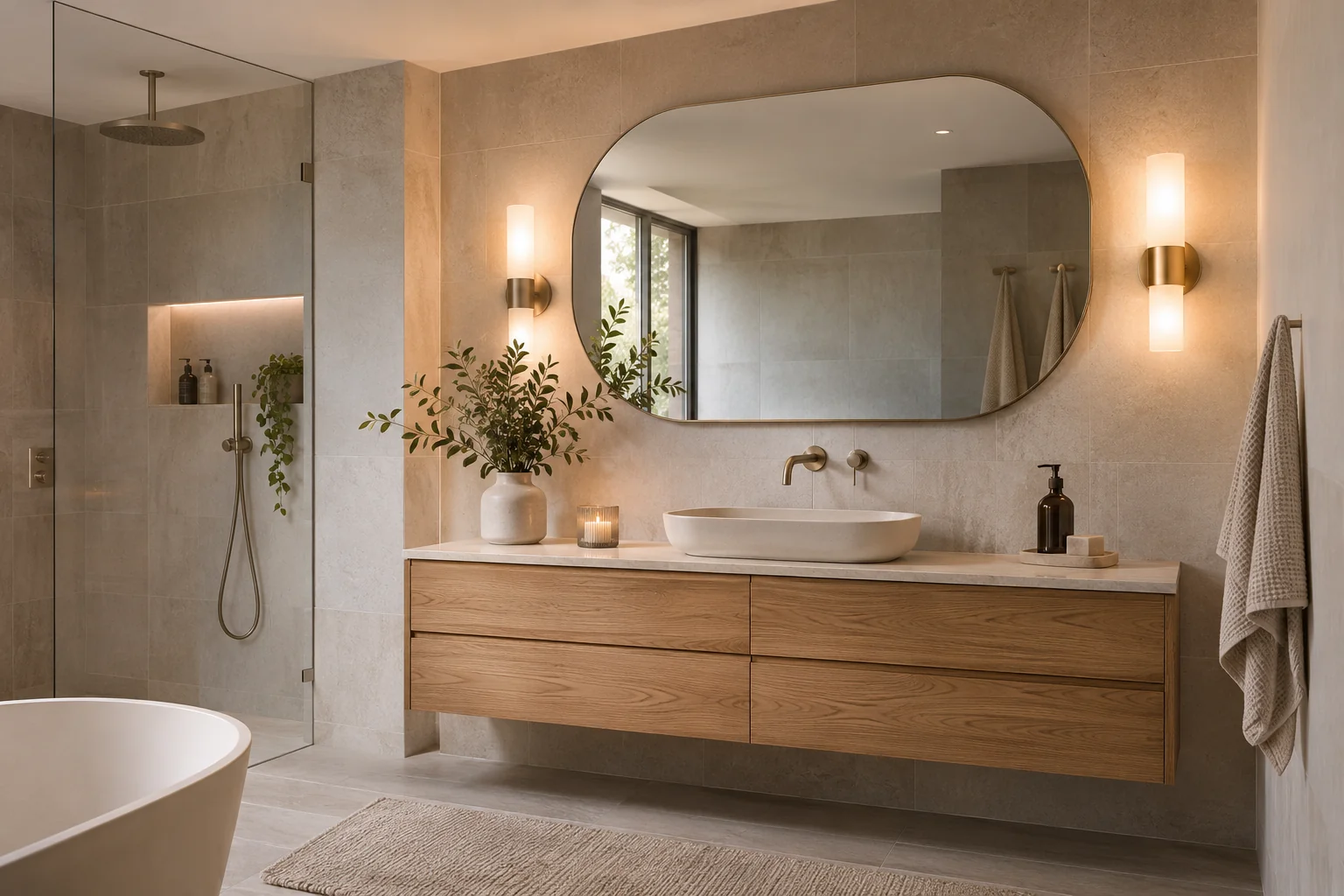
Bathroom ideas with practical limits in view
Use the image to discuss finishes, then verify the room's technical requirements.
A view of connected finishes
Explore how tile color, vanity appearance and metal accents read together in your bathroom photo.
Lighting as a design preference
Start with natural light or choose a different mood to explore. The image is a visual interpretation, not a lighting calculation.
A reviewable concept
Compare the result with the room photo and identify which surface choices to take forward to physical samples.
How to make a bathroom concept
Show the room clearly, then focus the request on finishes and atmosphere.
From bathroom photo to material palette
- 01
Take a view from the doorway
Include the vanity and the main tiled areas where possible. If a mirror dominates the view, check that its reflection does not hide the space you want to discuss.
- 02
Name the surfaces you want to explore
Select bathroom, then choose a style and lighting. Describe a tile tone, vanity finish or contrast you are considering, rather than asking to move plumbing.
- 03
Set the output and review credits
Choose the available model, aspect ratio and image count. Confirm the displayed charge before generation.
- 04
Separate the look from the installation
Review the visual palette and any altered fixtures. Have waterproofing, drainage, power and clearances assessed before using a concept in renovation work.
A warm palette of pale tile and wood
The illustration uses pale stone-look tile, a wood vanity and gentle lighting to explore warmth in a modest bathroom. Look at how the darker vanity anchors the lighter surfaces rather than reading the picture as a measured arrangement.
If the room feels visually crowded, a useful brief may focus on quieter tile patterns and fewer competing finishes. If it feels cold, a wood tone or warmer light can be a direction to explore in the image.
In the pictured bathroom, the wood vanity adds contrast to the pale tile while the mirror light softens the scene. Use those relationships to describe the atmosphere you want in your own bathroom.
AI Bathroom Design FAQ
How can I photograph a small bathroom?
Try a doorway view with the phone held level and include the main fittings. Avoid a tightly cropped mirror selfie or a strong panoramic distortion; both can make the actual room harder to interpret.
Can I compare tile and vanity colors?
Yes. Describe the combination you want, such as pale stone-look tile with a warm wood vanity. Compare the overall balance, then check physical samples for real color, texture and finish.
Does the result include a plumbing or waterproofing plan?
No. The output is a visual concept, not a drainage, electrical or waterproofing specification. A qualified professional must assess those requirements separately.
Will a generated bathroom preserve every fitting?
Not necessarily. Fittings, reflections, tile edges and spatial details may change. Mention anything you would prefer to keep and inspect the result against the original photo.
Can a lighting concept tell me what fixtures to install?
It can help communicate a mood, but it does not calculate illumination or verify that fixtures are suitable for a bathroom location. Confirm fixture ratings, placement and installation requirements independently.
Can I take a picture of my bathroom and design it?
Yes. Upload a clear bathroom photo and describe the tile, vanity or lighting look you want to explore. Compare the result with your photo, and have any changes involving plumbing, waterproofing or electrical installation checked separately.