How to Prepare an Old Floor Plan for AI Analysis
An old floor plan can still be a strong starting point. The problem is that many older plans were made for filing, listing, or internal reference, not for fast digital analysis. When the source is blurry, inconsistent, or overloaded with notes, the AI has to work around the document before it can work on the layout.
That is why preparation matters. A AI floor plan optimizer can help reveal layout problems and generate better alternatives, but the upload needs to show the structure clearly enough to read.
This guide explains how to prepare an older plan before upload. It also covers what to keep visible, what to remove, and how to use the output in the right stage of a project.
What an AI Floor Plan Tool Needs From the Source File
Clear Walls, Room Boundaries, and Readable Dimensions Matter First
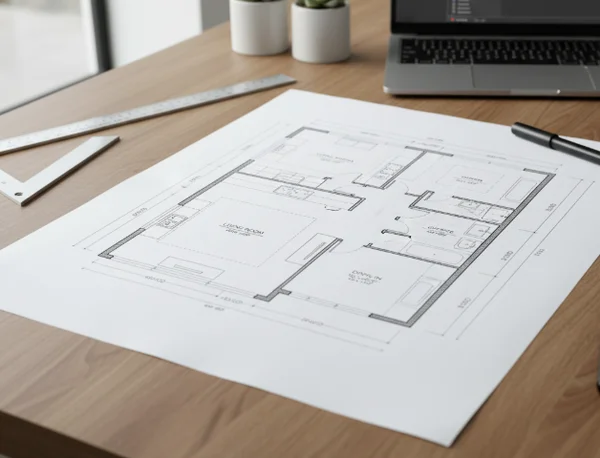
The best source file is not always the most polished rendering. In many cases, a plain drawing with visible walls, room names, and usable dimensions is far more helpful than a marketing image with heavy styling.
That matches broader documentation practice. NIST published [Guidelines for Accepting 2D Building Plans], which shows that digital 2D plan quality and acceptance criteria are formal documentation issues, not cosmetic details. GSA design standards also state in the [P100 design standards document] that floor plans should be drawn at 1:100 and explain that clear submission requirements support a rational design process and easier review. For an AI analysis workflow, the practical lesson is simple: readable plan information matters more than visual polish.
If the tool cannot see where one room ends and another begins, layout advice becomes less reliable. The upload does not need to be perfect, but it does need to make the main structure obvious.
Old Scans and Agent PDFs Often Hide Useful Layout Detail
Older documents often come from scans, real-estate PDFs, or exports that were compressed for email or listings. Those files may soften line weights, flatten text, or crop away dimensions that are still useful for interpretation.
That does not mean they are unusable. It means they often need a short cleanup pass. A clearer baseline helps the system focus on circulation, room relationships, and underused space instead of fighting the document quality. One quick check helps here: zoom in on the file before upload and ask whether a teammate who has never seen the plan could still identify the rooms, openings, and main circulation path in a few seconds. If that is difficult, the AI will probably struggle too.
Three Fixes to Make an Old Floor Plan Easier to Read
Clean Visual Clutter Before Upload
Start by stripping away anything that does not help the plan communicate structure. Extra logos, oversized notes, arrows, watermarking, and marketing overlays all compete with the walls, openings, and labels that actually matter.
The goal is not to beautify the plan. The goal is to let the layout speak first. A floor plan analysis workflow works better when the baseline drawing feels calm and readable.
Keep Dimensions, Labels, and Room Names Visible
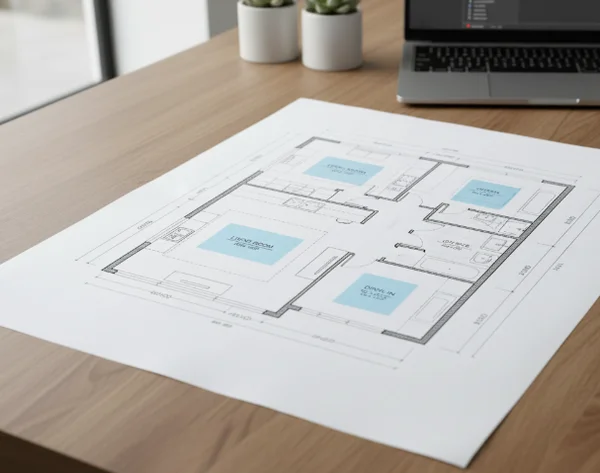
Many users crop too tightly because they want the file to look neat. That often removes the exact cues that help both the tool and the human reviewer understand the plan.
Keep room names when they exist. Keep obvious dimensions if they are legible. Keep doors, openings, and major circulation paths in view. Even if the AI is not using every annotation in the same way a designer would, readable dimensions and labels still make the plan easier to interpret and compare.
Use One Consistent Version as the Baseline
If one PDF shows the original layout, another scan shows markup from a renovation, and a third image includes staged furniture, the upload becomes harder to trust. Pick one version as the baseline and keep the rest as reference only.
This matters because comparison works best after the starting point is stable. If the source keeps changing, it becomes much harder to judge whether a new AI suggestion is actually better or just reacting to inconsistent input.
How to Upload for Better AI Optimization Results
Start With the Clearest Existing Plan, Not the Prettiest Rendering
A simple line drawing often beats a glossy brochure image. Clear walls, readable room names, and visible openings give the optimizer stronger information than decorative presentation graphics.
That fits the core workflow on the site: upload an existing plan, let the tool analyze the layout, and then review improved options and visual outputs. The cleaner the first upload, the faster the tool can move from document reading to useful optimization.
Use the AI Output to Explore Options, Not to Replace Certified Plans
The best use of the tool is exploration. It helps users test ideas, compare alternatives, and communicate possible layout directions earlier in the process.
GSA's [BIM Guide] notes that 2D deliverables extracted from BIM remain part of project outcomes. That supports a practical boundary: clear 2D plans still matter, even in digital workflows. In other words, AI-generated layout output can speed up iteration and discussion, but it should not be confused with certified architectural blueprints, engineering approval, or permit-ready construction documents.
For homeowners, that can mean faster renovation conversations. For designers, agents, and developers, it can mean clearer option review before deeper project work begins. The win is not that every answer becomes final. The win is that weak directions can be filtered out earlier, which saves time before more detailed design effort starts.
Key Takeaways and Next Steps
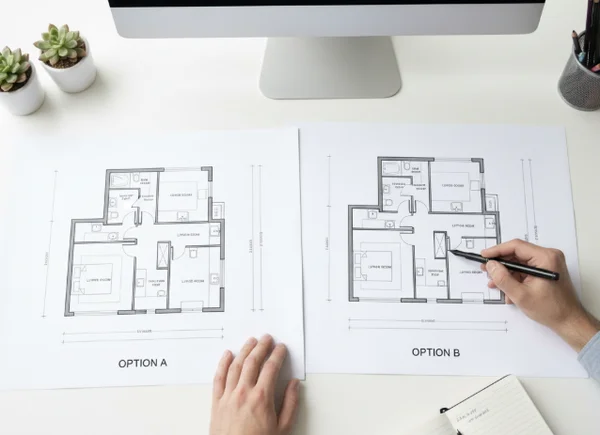
A stronger upload gives the AI a stronger starting point. If the plan is readable, consistent, and not overloaded with clutter, the output becomes easier to compare and easier to use.
Before uploading, check three things: are the walls and room boundaries easy to read, are labels or dimensions still visible, and is one version clearly the baseline? If yes, a upload-ready floor plan tool is much more likely to return layout suggestions that are worth discussing, refining, and sharing.